Roblox T-shirt template for a 128×128 front graphic
A classic T-shirt is the simple option: one square graphic displayed on the front of the torso, not a UV image wrapped around the torso and arms.
585 × 559 PNG
Preview and align your shirt PNG
100% in-browser
What this template is for
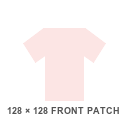
This tool provides a 128×128 square front-patch canvas. Unlike a classic Shirt, it has no arm, back, side, top, or bottom panels, so it works best for logos and centered chest artwork.
How to use it
Download the square PNG, keep important details away from the outer edge, and export with transparency where needed. Upload it as a T-Shirt asset rather than a Shirt asset.
Step by step
1
Start from the 128x128 square canvas
A classic T-shirt is not a UV wrap. It is a single square graphic displayed flat on the torso front, which makes it the simplest classic clothing asset to produce.
2
Keep the design inside the safe area
Leave roughly 8 pixels of margin on each side. Artwork pushed to the very edge can be clipped or distorted where the graphic meets the torso silhouette.
3
Use transparency instead of a background
A transparent background lets the shirt or skin underneath show through. A filled square reads as an obvious opaque patch on the chest.
4
Export as PNG and upload as a T-Shirt
Export at 128x128 with transparency, then upload under the T-Shirt asset type — not Shirt. Choosing Shirt sends the square into the wrap-around pipeline and the result will not look like a chest graphic.
Sizes and upload facts
Key numbers for this template
Canvas size
128 × 128
A square front patch, not a wrap-around UV sheet.
Safe area
~112 × 112
Keep logos inside this to survive edge cropping.
Panels used
1
Front torso only — no back, side, top, or arm faces.
Upload fee
R$10
Same classic-asset fee as Shirts and Pants.
Common mistakes
Uploading a T-shirt design as a Shirt
This is the single most common classic-clothing mix-up. A Shirt expects a 585x559 UV sheet; a 128x128 square fed into it stretches across the torso and arms.
Designing at 128x128 from the start
Working at that size makes detail muddy. Design larger, then downscale to 128x128 as the final export step so edges stay crisp.
Filling the whole square with a background color
Without transparency, the graphic becomes a flat colored panel rather than a design sitting on the shirt.
FAQ
Questions before you upload
Is a Roblox T-shirt the same as a Roblox shirt?
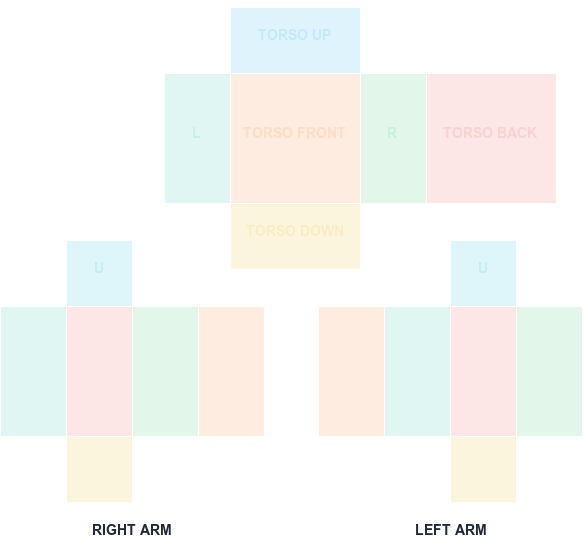
No. A classic T-shirt is a front graphic. A classic Shirt uses a 585×559 UV map that wraps the torso and arms.
What size is the T-shirt template on this site?
The downloadable front-patch canvas on this site is 128×128 pixels.
Can a T-shirt graphic cover the avatar arms?
No. Use a classic Shirt template when artwork needs to continue onto the back, sides, neck area, or arms.
What is the difference between a Roblox shirt and T-shirt?
A classic Shirt wraps a 585x559 UV image around the torso and both arms. A classic T-shirt places a single 128x128 square graphic on the torso front only, with no back, side, or arm coverage.
Does a Roblox T-shirt show on the back?
No. The classic T-shirt graphic renders on the front of the torso only. If you need back artwork, you need a classic Shirt with its full UV sheet.
Can I wear a T-shirt and a shirt at the same time?
Yes. A classic T-shirt layers on top of a classic Shirt, which is why many outfits pair a plain shirt base with a logo T-shirt over it.
Blank canvas files
Download a template at the right size
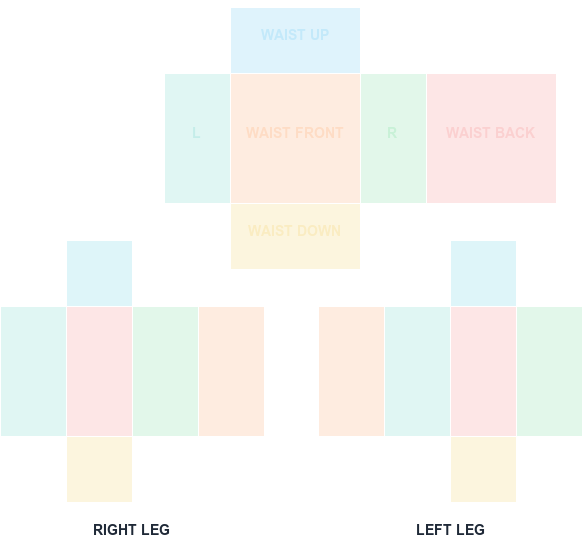
Start with a transparent, Roblox-compatible guide. Shirt and pants wrap around the avatar; the classic T-shirt is a 128×128 front patch.
585 × 559 PNG
Classic Shirt UV Template
585×559 torso and arm layout with color-coded faces.